

 Chris Senner
Table of Contents
This felt like a natural topic to cover after recently digging into my favorite DAWs for producers. Reaper has always attracted a specific type of musician and producer. It’s powerful, customizable, and incredibly efficient, but it also expects a bit more intention when it comes to hardware choices.
The best MIDI keyboard for Reaper isn’t just about having keys and pads. It’s about choosing a controller that lets you take advantage of Reaper’s flexibility and actually syncs well with how the DAW is designed to work. When the controller and software feel aligned, everything from writing to editing to mixing becomes faster and more intuitive.
In this guide, I’m highlighting the best MIDI controllers for Reaper in 2026. Some of these picks are obvious, while a few might surprise you. Each one was chosen based on how well it integrates with Reaper, how flexible it is to map, and how practical it feels in real-world use.
If you want the short answer, my top pick for Reaper is the Nektar Panorama T4. It’s one of the few controllers that feels purpose-built for this DAW, offering deep integration without a steep learning curve. It also happens to be fairly affordable, which is always a bonus.
That said, it’s not the only great option. Keep reading to see the full list and learn more about what actually matters when choosing a MIDI keyboard for Reaper.
Note* This post was updated in January of 2026 to add in some new choices that I thought were great.
Quick Glance At Our Picks
| IMAGE | PRODUCT | DETAILS | |
|---|---|---|---|
Editor’s Pick |
Nektar Panorama T4 |
|
|
Alternative Pick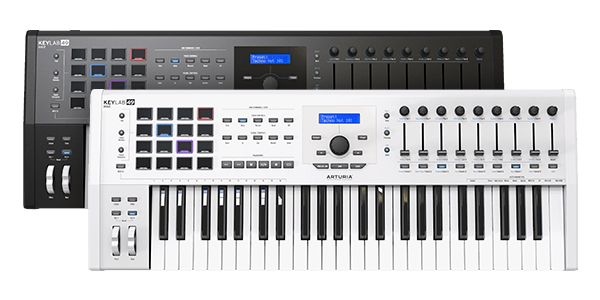 |
Arturia Keylab MK II 49 |
|
|
Budget Pick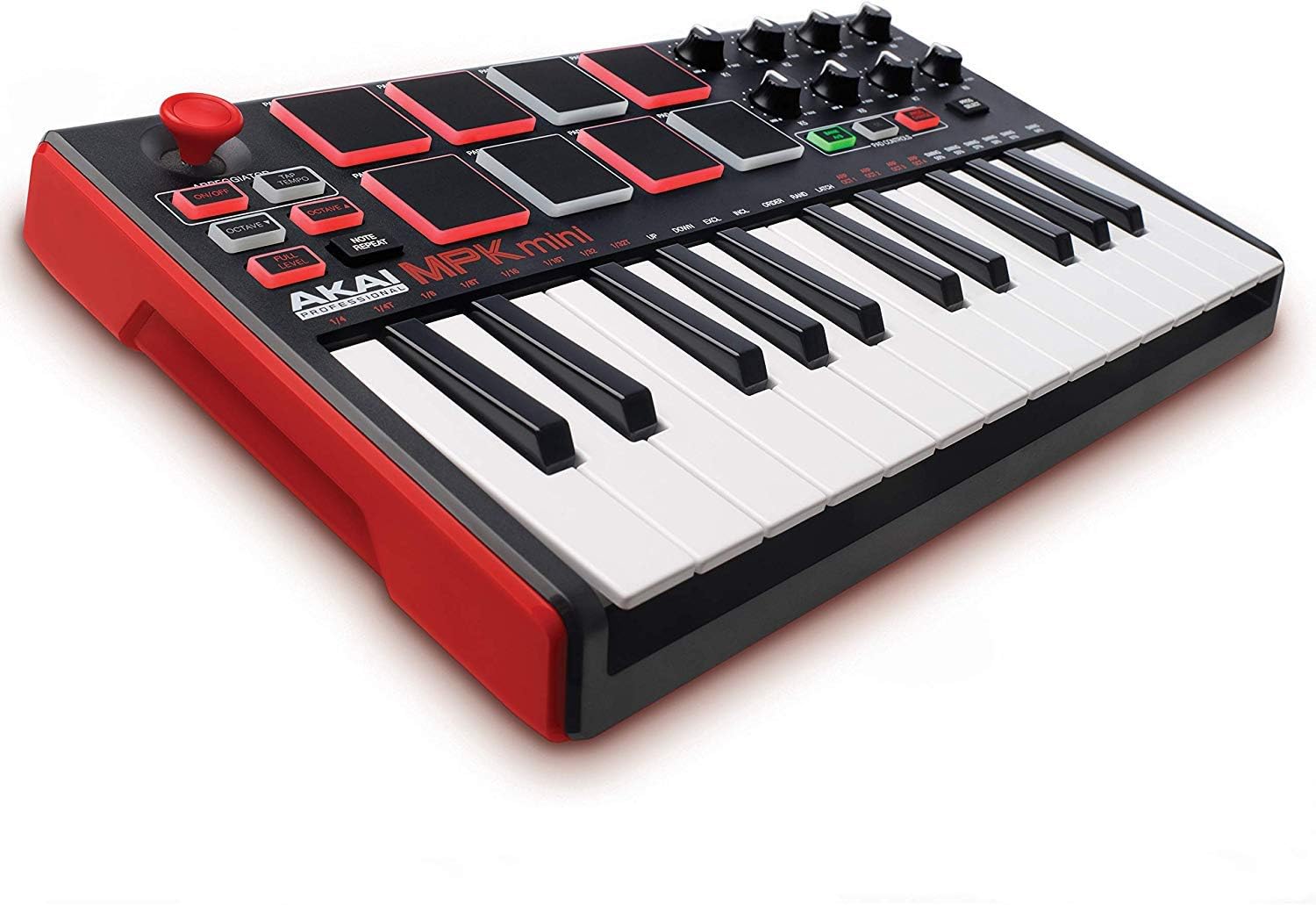 |
Akai MPK Mini MK2 |
|
What Is Reaper?
Reaper is a DAW that was created by the software company Cockos. It was created in 2004 and it rose to popularity shortly after. This DAW is a complete digital audio production software for PC’s. It offers full multi-tracking, MIDI recording, audio, mixing, editing, and mastering.
Watch a video on this fantastic software here.
What Makes A MIDI Keyboard Good For Reaper?
Certain controllers are designed to work better with certain DAW’s. With this being said, over the last few years, companies have gotten much better at making their products more DAW friendly.
Nektar makes their keyboards to be extremely Reaper friendly as they were made with Reaper in mind.
Should you want to take a peek, you can view the best MIDI controllers complete guide here.
Should I Use Reaper Instead Of A Different DAW With My Controller?
This is totally your choice. I will say that a lot of people are switching to Reaper and really liking the workflow that it allows for. My personal opinion is that it comes down to your comfortability with each DAW and the ease of use.
I recently put together a comprehensive guide on the best free DAWs for producers. If you’re on a budget, I recommend checking that article out.
Pad functionality is important for when using a DAW. The more integrated the pads are with your DAW, the better. This means that you can program the pads do to different things with your DAW that you’re using.
The faders will also be important. You will be able to set different parameters with your DAW if your controller works well with whatever you’re using. You should be able to map everything the way you want it, just on some DAW’s and controllers, you will have to do more research.
Our List
Nektar Panorama T4
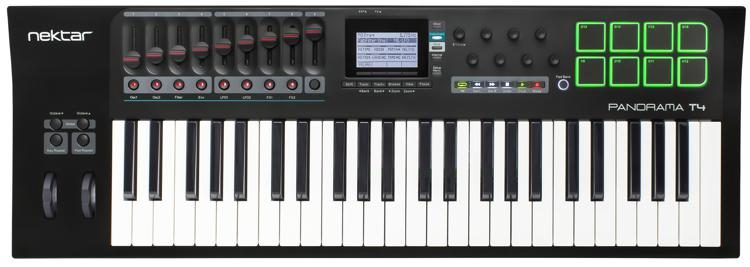
I recently did a full review on this keyboard and it is currently, in my opinion, the best MIDI controller for Reaper.
The main selling points with this keyboard have to be the aftertouch and velocity sensitivity. Serious musicians and producers always look for these two things when talking about controllers.
There isn’t much that you won’t find pleasing with the Panorama T4 and I also think the price range is super affordable for how much you get with it.
Overall Thoughts
This is currently one of the best 49 key MIDI keyboards that I highly recommend checking out. I truly believe this will take your production skills to the next level.
Nektar Panorama P4
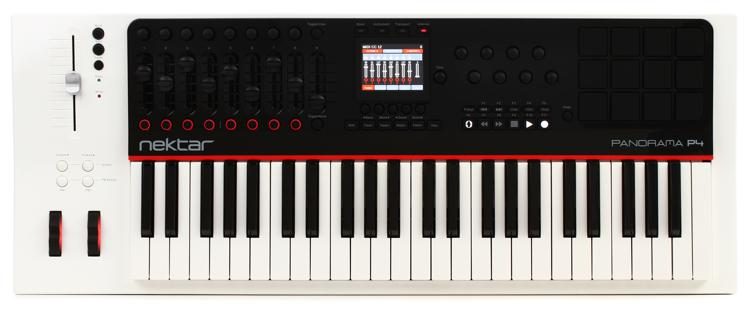
The Panorama P4 is another sought after keyboard that works great with Reaper. It’s a little bit older, but it has some crazy features like motorized sliders that work well with Reaper. You will also find velocity sensitivity and aftertouch as well with this keyboard.
Overall Thoughts
My overall thoughts on this are that it is a great product. I personally like the T4 over the P4 though. It’s newer and I think the workflow is just easier, at least for me.
Arturia Keylab MKII 49 & 61
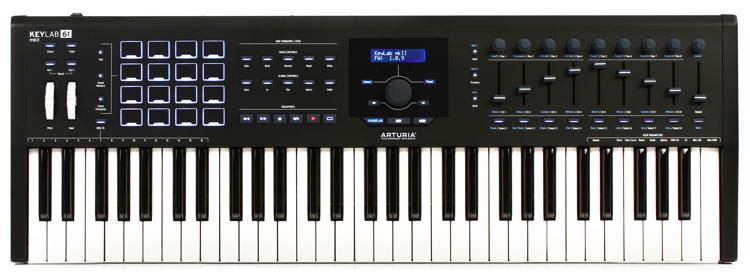
This is a terrific keyboard that is fairly new and it comes with impressive MIDI technology. The Keylab MKII comes with Aftertouch and it also is loaded with 16 sample pads.
Arturia keyboards always have great velocity-sensitive pads that can be used for hip-hop production in a really cool way. If you’re interested in hip hop, check out the best keyboards for hip hop here.
Durability is a key feature with the KeyLab MKII. This is also something that Arturia has excelled at for years. Their keyboards always feel well put together.
The one negative thing to mention for serious producers is that there’s no built-in arpeggiator. It definitely should’ve been added in my opinion.
Overall
Overall, easily one of the better options for Reaper. Also, just a great controller all around for producers.
For a full review of this keyboard, click the box below.
Conclusion
When it comes to the best MIDI keyboards for Reaper there’s a lot to consider. Once you have your price down, you will be able to decide which options look the best.
Do you have any experience with Reaper? What kind of controller setup are you running?
Let me know in the comments section below and I will get back to you!


 Chris Senner


3 comments
can you help me get my mpd 226 in synch with reaper ? i cant seem to get the knows and sliders to be able to function in reaper, pads i can because i use serato sample VST and it lines up properly with my mpd pads.
Hello,
I am new to the midi controller market and have a question. I purchased an Arturia KeyLab49 Essential and like it a lot.
I am thinking of purchasing a Arturia BeatStep Pro Controller & Sequencer to use for drum applications. Does that make sense and have you used such an item:
Thanks,
Bob
Hello Chris
I’ve just started to get into producing my own songs and am learning Reaper. I’m finding your site most helpful. Thank you! On this page: https://digitalpianokraze.com/best-midi-controller-for-reaper-producer-picks/ , the image at the top of the Tracks & Mixer setup looks a really sweet. Is the Theme or Project setup available as a download?
Best, and thanks again,
Ian